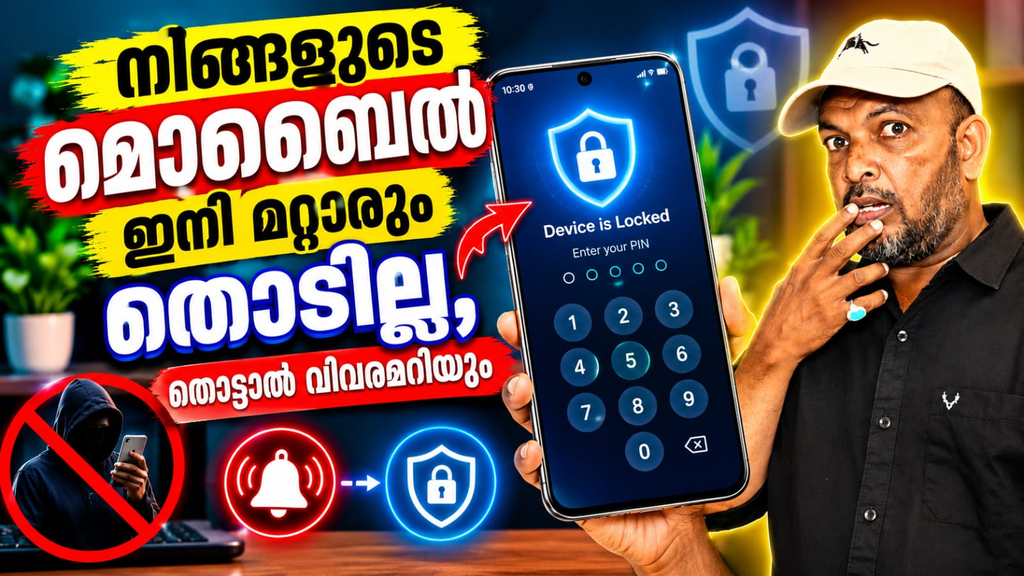
Keeping your smartphone secure is important because phones contain personal photos, messages, accounts, and other private information. Lockeye: Wrong Password Alarm is an Android security tool designed to monitor unauthorized screen-unlock attempts. When someone enters the wrong password or unlock code repeatedly, the app can trigger an alarm or capture a photo of the person attempting to access the device.
Lockeye focuses on providing an additional security layer beyond the phone’s regular screen lock. Its main purpose is to alert users when someone tries to access their smartphone without permission.
What is Lockeye?
Lockeye is an anti-theft and anti-spy application that monitors unsuccessful attempts to unlock an Android device. According to available app information, users can configure the app to respond after a certain number of failed unlock attempts. Possible responses include playing an alarm and taking a picture silently.
The app was previously available on Google Play under the package name com.tafayor.lockeye2. Third-party app records indicate that version 1.7.3 was the last available version and that the application is no longer listed on Google Play.
Key Features of Lockeye
Wrong Password Alarm
One of the main features is the wrong-password alarm. When unauthorized unlock attempts reach the configured threshold, Lockeye can sound an alarm to draw attention to the activity.
Wrong Password Photo Capture
Lockeye can also capture a photo when an incorrect unlock attempt is detected. This feature is intended to help identify someone who attempts to access the device without permission.
Anti-Theft Protection
The application is designed as an additional anti-theft security tool. By monitoring screen-unlock attempts, it can provide an alert when someone tries to access a protected smartphone.
Intruder Selfie
The intruder-photo feature can work like an automatic selfie camera for unauthorized access attempts. Instead of relying only on an alarm, users can potentially have a visual record of the attempted access.
Device Admin Permission
Available descriptions indicate that Lockeye requires Device Administrator permission to monitor screen-unlock attempts. Users should understand the permissions requested by any security application before enabling them.
Benefits of Using Lockeye
Lockeye can be useful for people who want additional monitoring around their phone’s lock screen. The combination of an alarm and photo capture provides two different ways to detect unauthorized access attempts.
Lockeye: Wrong Password Alarm is designed around a simple security concept: detect failed unlock attempts and respond with an alarm or photo capture. Although its Google Play listing is currently unavailable, its documented features make it a dedicated tool for monitoring unauthorized screen access.
Lockeye, Lockeye Wrong Password Alarm, Android app, wrong password alarm app, intruder selfie app, anti-theft app, phone security app, unauthorized access detection