Running out of storage on your Android phone can be frustrating, especially when photos, videos, and apps keep stacking up. Storage Space is a free Android storage management app designed to help users analyze and clean their device memory efficiently. With over 1 million downloads and a strong user rating on the Google Play Store, this app offers tools to reclaim valuable space and improve device speed.
What Is Storage Space?
Storage Space (package name: com.cls.partition) is an intuitive Android storage manager developed by Lakshman. It provides a clear overview of how storage is being used on your device and includes several features to help you free up space, remove clutter, and optimize performance. The app is suitable for Android devices running Android 11 and above and is popular among users who want a simple yet functional storage cleaning solution.
Key Features & Benefits
1. Comprehensive Storage Overview
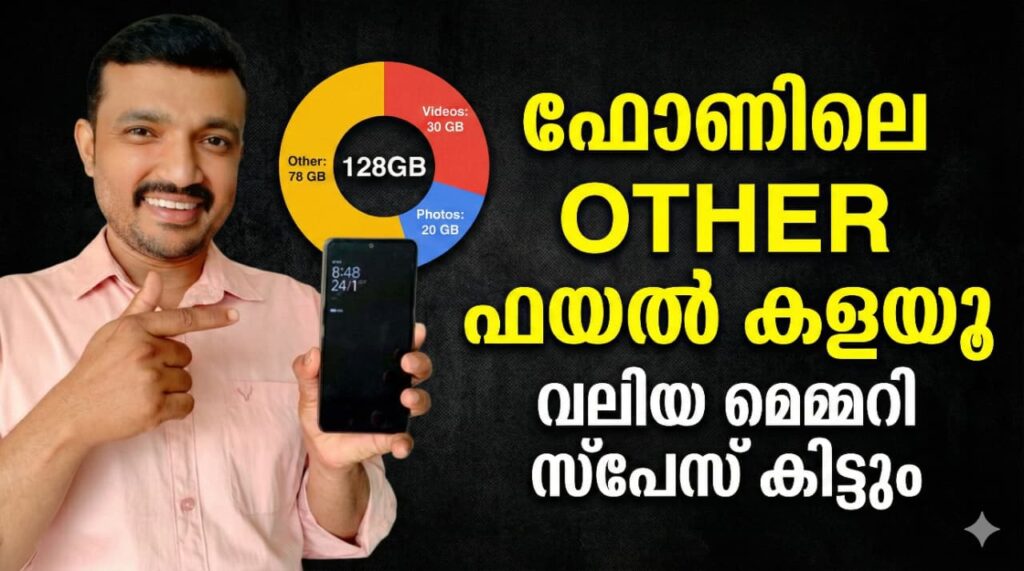
Upon opening the app, you’re greeted with a dashboard that shows how much total storage you have, how much is used, and which categories (apps, system files, media) are consuming space. This overview helps users pinpoint storage bottlenecks quickly.
2. App Manager – Clean Up Unused Apps
The built-in App Manager lists all installed applications along with the space each occupies. It provides quick links to uninstall apps directly or clear their cache, helping free up storage without navigating through multiple settings menus.
3. File Manager for Media & Documents
Storage Space includes a file manager that categorizes downloads, music, videos, and other files on your device. You can delete or move files to save space, including support for cloud locations like Google Drive and external storage like USB/OTG drives.
4. Storage Speed Checker
One standout feature is the Storage Speed tester, which measures read and write speeds of your internal storage or SD card through a raw file transfer test. This helps you assess your device’s performance and optimize file handling.
5. Home Screen Widgets
For instant insights, Storage Space offers home screen widgets that display available storage without having to open the app. These widgets make it easy to monitor storage usage in real time.
How Storage Space Works
Once granted permissions, Storage Space scans your device’s memory and categorizes the data. It requires access to all files to find and delete unnecessary items and permission to query installed apps so it can list them and show how much storage they are using. Users can then choose to remove junk files or uninstall apps directly from the app interface.
In-App Purchases & User Experience
The app is free to install and use but contains ads. Users can opt for in-app purchases to remove ads and unlock premium widgets. While many users appreciate its simple design and utility, some reviews note that widgets and certain features are premium items.
If your Android device is constantly running low on space or you want a better handle on how storage is used, Storage Space is a valuable tool for storage analysis and cleanup. Its combination of straightforward features and powerful insights makes it an essential app for Android users looking to maximize device performance.