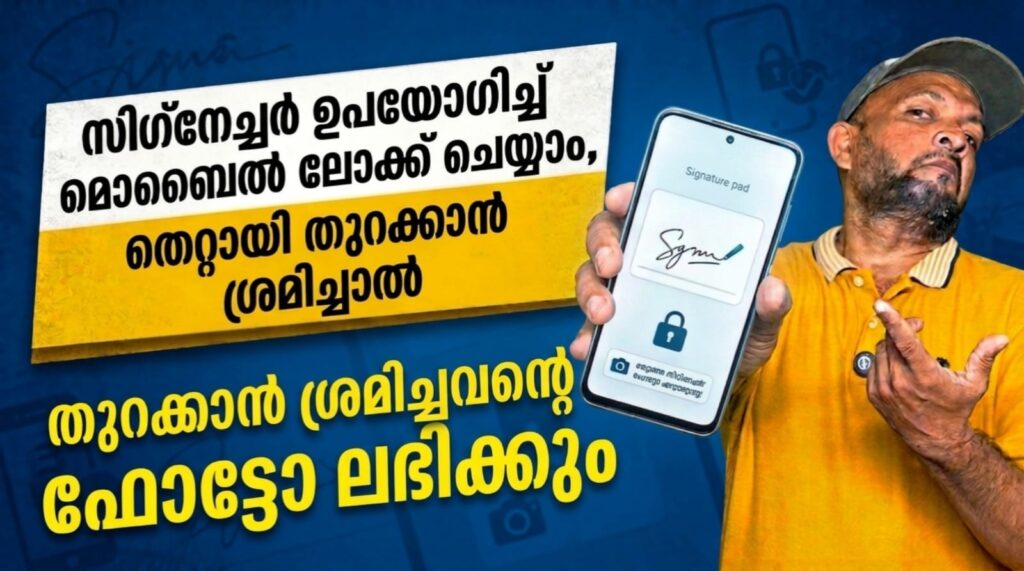
Smartphone security apps are becoming more creative, and Gesture Lock Screen is one of the most interesting options for Android users. Instead of using a normal PIN or pattern, this app allows you to unlock your phone by drawing a custom gesture, letter, symbol, or even your signature. It is designed for users who want a lock screen that feels both secure and personal. According to its Google Play listing, the app combines screen security with customization features, making it useful for both privacy and style. It has also crossed 10 million downloads on Android, showing strong popularity among users.
What Is Gesture Lock Screen?
Gesture Lock Screen is an Android app developed by Q Locker and listed in the Lifestyle category on Google Play. The app lets users create their own unlock gesture using letters, numbers, symbols, or signatures. It also supports both single-touch drawing and multiple gesture strokes, giving users more flexibility compared to regular lock apps. The Google Play listing shows that the app was updated on March 3, 2026, and is designed for users who want a unique and customizable lock screen experience.
Top Features of Gesture Lock Screen
One of the standout features of this app is its custom gesture password system, which allows users to draw almost anything as their unlock key. Another useful feature is Intruder Selfie, which can snap a photo when someone enters the wrong gesture or PIN. The app also supports email alerts for intruder photos, adding another layer of security. A special Time Password feature is included as well, allowing the current time to act as your unlock code. In addition, users can customize wallpapers, sounds, unlock animations, date and time settings, and even choose wallpapers from local storage or online sources. The app also notes that it uses the Accessibility API to help keep the lock screen secure during phone calls.
User Experience and Privacy
Gesture Lock Screen has a solid presence on Google Play with a 4.0 rating, large review volume, and millions of installs. Many users like its creative lock method and customization options, while some reviews mention occasional glitches on certain Android versions. In terms of privacy, the listing states that no data is shared with third parties, while some app info and device IDs may be collected. Google Play also notes that the data is encrypted in transit.
If you want a stylish and different way to secure your Android phone, Gesture Lock Screen is worth trying. It offers a mix of security, creativity, and personalization, making it a good option for users who are bored with standard PIN locks.