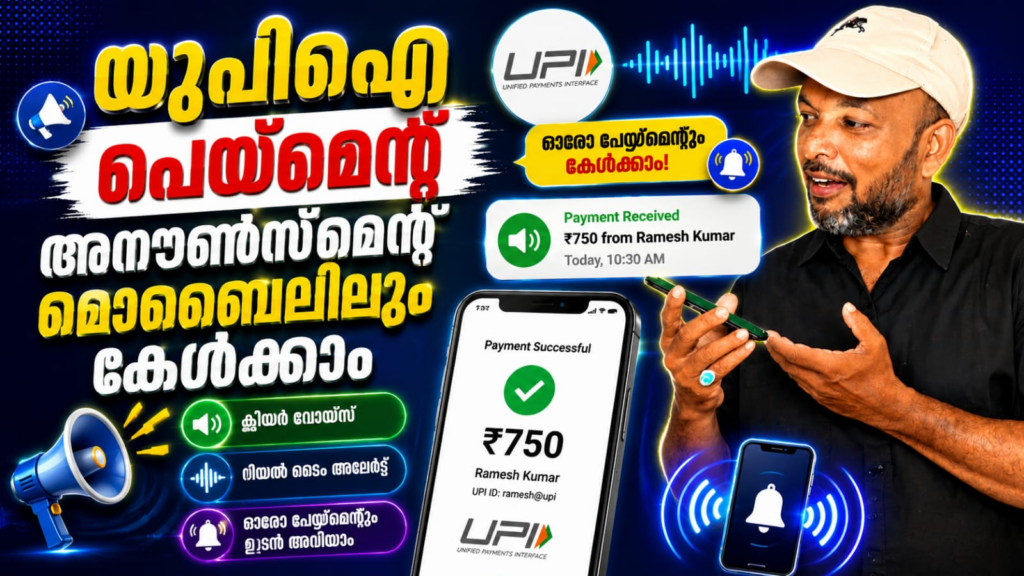
Digital payments have become an essential part of everyday business in India. For shopkeepers and small business owners, quickly confirming incoming UPI payments can be important, especially during busy hours. UPI Payment Announcer SoundBox is an Android utility app that turns a smartphone into a digital payment soundbox by announcing incoming payment notifications through voice alerts.
The app is designed for businesses such as grocery stores, tea stalls, salons, food outlets, mobile shops, and street vendors that regularly receive UPI payments.
What is UPI Payment Announcer SoundBox?
UPI Payment Announcer SoundBox is developed by TrackMyPhones Mobile Solutions Pvt Ltd. It reads payment notifications and provides voice announcements, allowing merchants to hear payment information without constantly checking their phone screen.
The app supports payment alerts from services including PhonePe, Paytm, Google Pay, BHIM, Navi, and other supported platforms. It is a utility tool and is not officially affiliated with these payment services.
Key Features of UPI Payment Announcer
Instant Voice Payment Alerts
The app announces incoming payment notifications, including the received amount. This can help merchants quickly identify payments while continuing their work.
Multiple Indian Languages
UPI Payment Announcer supports more than 10 Indian languages, including Hindi, English, Malayalam, Tamil, Telugu, Kannada, Gujarati, Punjabi, and Bengali. This makes the app convenient for businesses across different regions.
Custom Announcements
Users can choose between shorter alerts and more detailed announcements. Detailed alerts can include information such as the payment application and sender’s name when available.
Works in the Background
The app is designed to operate in the background, including when the phone screen is locked. This allows merchants to receive voice alerts without keeping the application open.
Bluetooth Speaker Support
Users can connect the app to an external Bluetooth speaker when they need louder announcements in busy shops or noisy environments.
Payment Summary and History
The app provides daily, weekly, and monthly payment summaries, while its history feature helps users review their collections more conveniently.
UPI Payment Announcer SoundBox – Voice Alerts for UPI Payments
Benefits for Small Businesses
A major benefit of UPI Payment Announcer SoundBox is convenience. Instead of repeatedly checking a payment application after every transaction, merchants can listen for voice notifications. This can be particularly useful during busy periods when several customers are waiting.
The app can also help merchants monitor payments across supported UPI services from one device. Its language options, customizable announcements, and Bluetooth compatibility make it suitable for different business environments.
Important Considerations
The app relies on notification access to provide voice alerts. Therefore, users need to configure the required permissions correctly. Google Play also states that the app may collect and share certain data types, including location, app information and performance, and device or other IDs.
Merchants should still verify important transactions through their bank or payment application rather than relying solely on an audio announcement.
UPI Payment Announcer SoundBox is a useful Android tool for Indian merchants who want convenient voice notifications for incoming UPI payments. With multilingual support, background operation, customizable alerts, Bluetooth compatibility, and payment summaries, it can make digital payment management easier for busy businesses.
UPI Payment Announcer, UPI SoundBox, payment announcer app, UPI payment alert, Android payment soundbox, UPI voice alert app, digital payment announcer, UPI soundbox app, payment notification app, Indian business payment app.